Windows: Windows 10 / 11 · Installer (.exe) · About 127 MB · Free · No account needed
Mac: macOS 13 (Ventura) or later · Apple silicon and Intel · Disk image (.dmg) · About 256 MB · Free · No account needed
What you can do in the demo
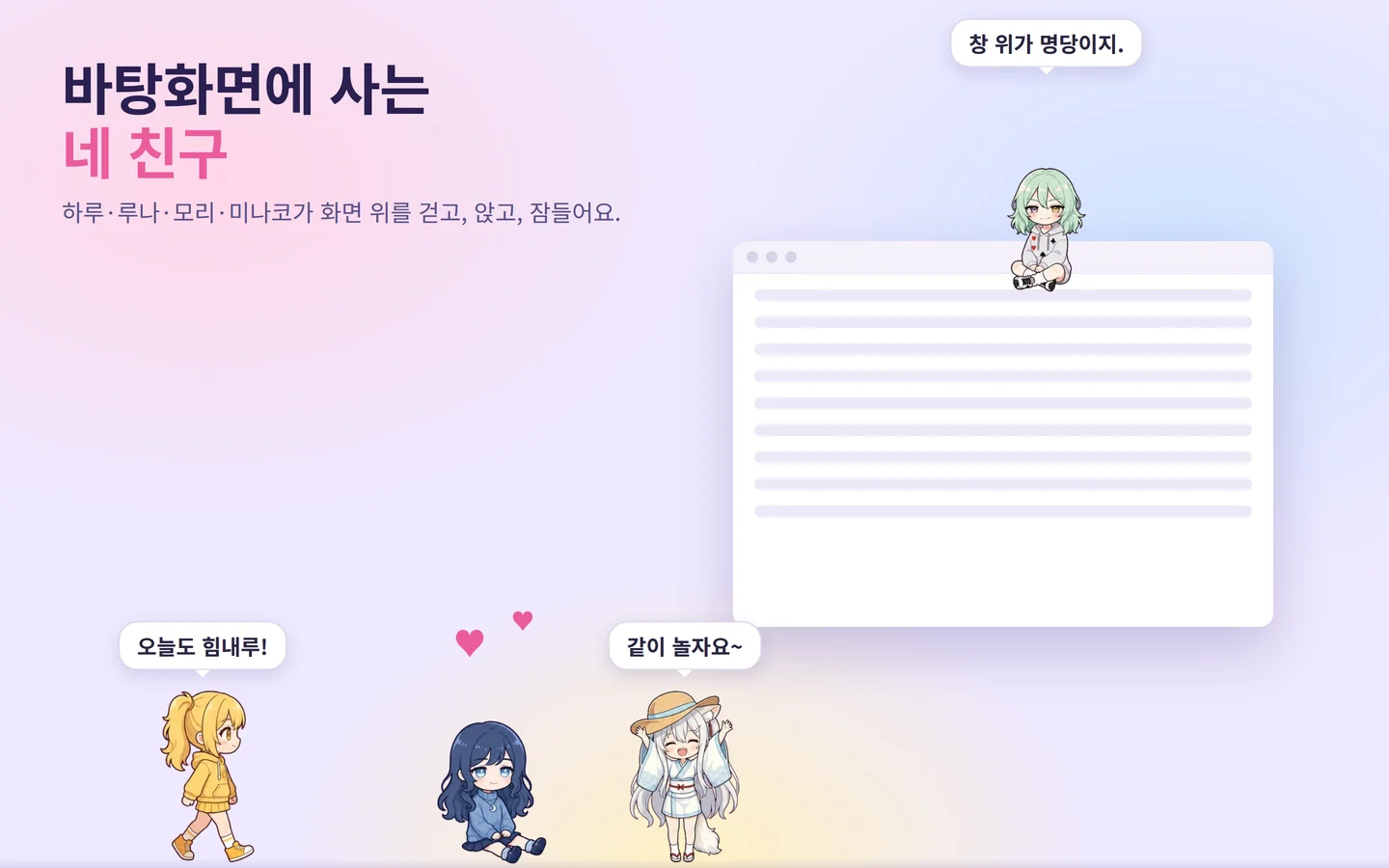
- Watch them walk, sit, dance and perch on the edge of your open windows. Pet them and they get happy
- Throw them: they fly as far as you throw them, and the height is recorded in meters
- Play mode: launch a friend from a slingshot and hit the stars in the sky
- Wardrobe: they spin and say something when they change (the demo has 6 outfits per character, 24 in total)
- Break, water and cheer-up reminders, a Pomodoro timer, and an option that covers their eyes while you use apps you pick
- Two art styles (original / chibi), and they step aside when you use a full-screen app
- Global ranking (opt-in)
- Auto battles with all four as a party — win and it carries on to the next stage. Three raid bosses and a full-screen finishing move (one of four in the demo)
- Affinity level stops at Lv2 (your score keeps counting)
- "Light chat" is on from the start (a one-time download of about 140 MB the first time you talk to a pet)
No account, no ads, no tracking. Your chats and the pets' memories stay on your device.
How to install — Windows
- Download the installer with "Download for Windows (free)" above. Edge may warn that the file "isn't commonly downloaded." The warning sometimes disappears once the download finishes. If it stays, open "More actions" (…) on that item and choose "Keep". In the confirmation window, click the arrow (▾) next to "Delete" and choose "Keep anyway". Clicking "Delete" itself removes the downloaded file.
- Windows may warn you with "Windows protected your PC". If it does, click "More info", then "Run anyway".
- The installer is in English. Click Next through it, then Finish.
Why does this screen appear? I'm a solo developer and don't have a code-signing certificate yet, so Windows shows this screen for files it doesn't recognize.
How to install — Mac
- Download the .dmg with "Download for Mac (free)" above.
- Open the .dmg and drag the app into your Applications folder.
- Open "HaruPet Demo" from Applications. The first time, click "Open" in the confirmation window macOS shows.
The Mac app is signed and notarized, so there is no warning screen, only a one-time confirmation the first time you open it.
In the full game
All four finishing moves, a wardrobe that unlocks more outfits as your affinity grows (11 outfits each), and a few stories I haven't told yet.
HaruPet uses AI for pet chat, and the character art and voices were made with AI tools. In the demo, "light chat" runs a small model on your device that picks from pre-written replies, and nothing you say leaves your device. The first time you talk to a pet, it downloads that model and reply list once (about 140 MB, from huggingface.co).